Coming soon · placeholder site
Tidy Tank
Keep your Mac's tank clean. A friendly pleco guides you through disk cleanup, one step at a time.
brew install <tap>/tidytank
Placeholder command. Real install instructions are coming soon.
Cleaning the tank
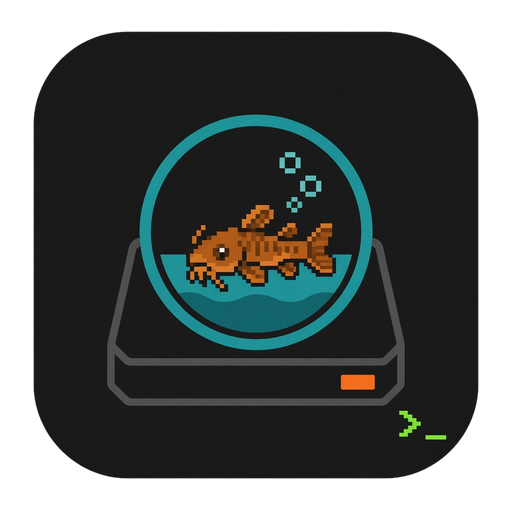
Your disk is the aquarium. Clutter settles on the gravel and the pleco tidies it up. (Illustrative animation, not real data.)

What it does
Placeholder feature copy. Details may change before launch.
-
Guided cleanup
Walks you through what's taking up space and what's safe to clear, step by step, with no guesswork. (placeholder)
-
CLI + Dock app
Run
tidytankin your terminal, or click the Dock app. Same tank, your choice of glass. (placeholder) -
Aquarium view
See your disk as an aquarium and watch the pleco clean up as space is freed. (placeholder)
-
Network drives
Scan mounted network drives too, so the shared tank gets a tidy-up as well. (placeholder)
-
Safe & undoable
Previews before anything moves, with a way back if you change your mind. (placeholder: final safety behavior TBD)
From the terminal
A mock session. Output, sizes and flags are illustrative placeholders, not real program output.
$ tidytank
🐟 Hi! I'm the pleco. Let's look around the tank…
Scanning ~/Library/Caches [ ██████████ ]
Scanning ~/Downloads [ ██████████ ]
Scanning /Volumes/<network-drive> [ ██████░░░░ ]
Found X.X GB of gunk across N spots. # placeholder values
? Start a guided cleanup? (Y/n) FAQ
Stub answers. To be written.
When can I get it?
Coming soon. We'll post download details here.
Is it safe to use?
TODO: describe preview, confirmation and undo behavior once finalized.
Do I need to use the terminal?
TODO: explain the CLI vs. Dock app. Placeholder: you'll be able to use either.
Which macOS versions are supported?
TODO: system requirements to be confirmed.
Why a catfish?
Plecos are the tank cleaners of the aquarium world. It felt right.